EPOS Hardware. The right kit, set up and ready for service.
We supply and set up tills, printers, kiosks and kitchen screens for your takeaway or restaurant on a quote. Or bring your own compatible hardware: ChefSynk runs on Android, iPad and Windows.
- Tills, printers, kiosks and kitchen screens, supplied and set up
- Or bring your own compatible hardware
- Runs on Android, iPad and Windows
- Bring your own card machine; Dojo terminals integrate
- Keeps taking orders offline


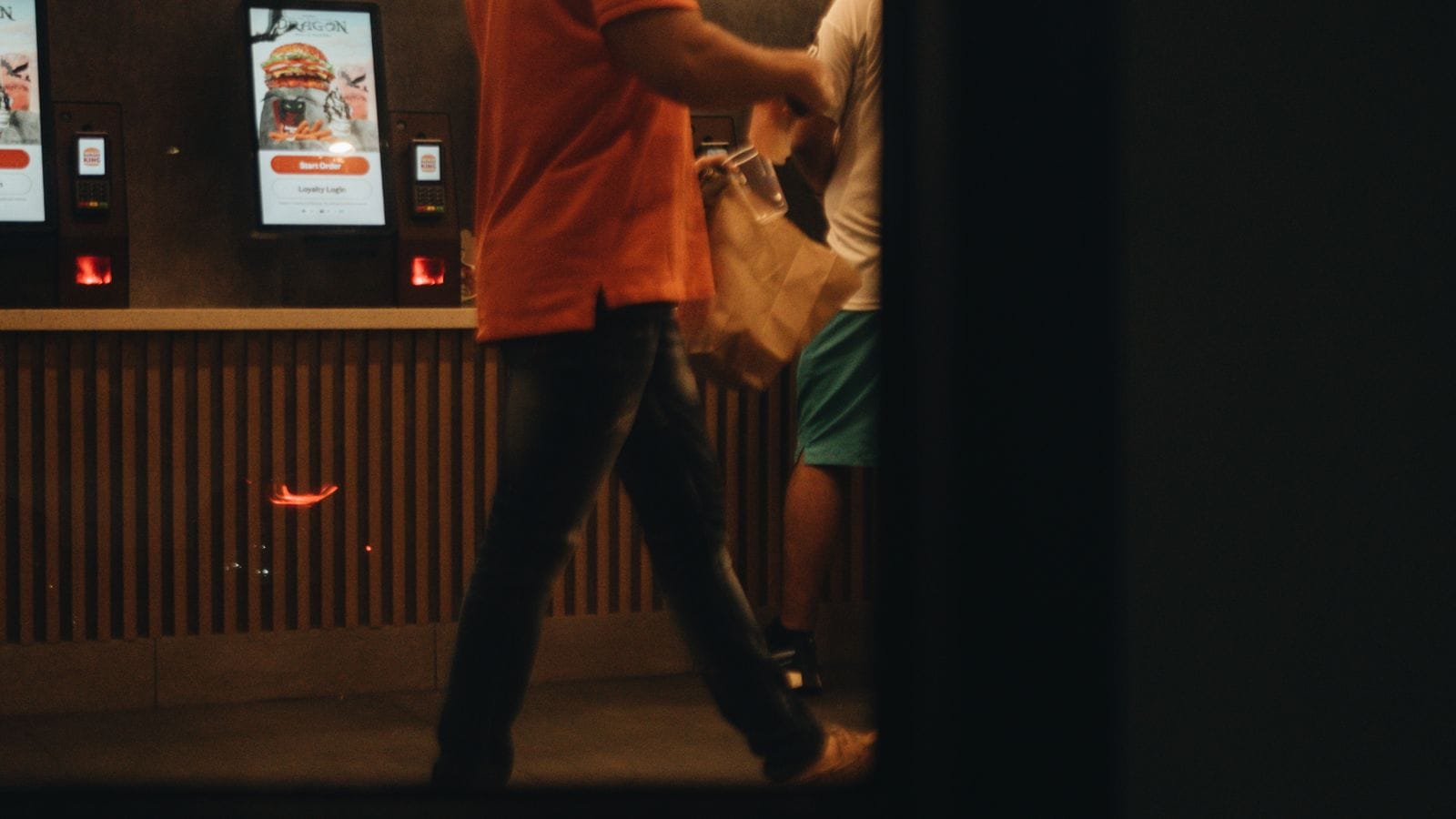
Built for the way restaurants actually work.
Supplied and set up
Tell us how your shop works and we’ll quote for the tills, printers, kiosks and kitchen screens you need, then set them up.
Bring your own
Already have compatible tablets, printers or cash drawers? Keep them and run ChefSynk on them.
Card payments your way
Bring your own card machine, or use a Dojo terminal that integrates with the till.
Works offline
If the internet drops, the till keeps taking orders and syncs when the connection is back.
EPOS hardware for takeaways and restaurants
Software only works if the kit around it does. ChefSynk supplies and sets up the hardware a takeaway or restaurant needs: tills, receipt and kitchen printers, self-order kiosks and kitchen screens. Hardware is priced on a quote, based on how your shop actually works.
If you already have equipment, you don’t have to replace it. ChefSynk runs on Android, iPad and Windows and pairs with thermal printers, cash drawers and card readers, so compatible kit you own can often stay where it is. You can do a bit of both: keep the tablets and printers that work, and add a kitchen screen or a kiosk where it will make the biggest difference.
Set-up and support
When we supply your hardware, our Manchester team handles set-up, remotely or on site by arrangement.
Set-up is arranged with you, so you can plan it around your opening hours. After go-live, phone and WhatsApp support is available 24/7 on every plan.
Bring your own compatible hardware
ChefSynk is hardware agnostic. It runs on Android, iPad and Windows devices and pairs with thermal printers, cash drawers and card readers, so a shop moving from another system can often keep its kit.
Tell us what you have before you buy anything new and we’ll check whether it is compatible. Starter includes unlimited terminals, so adding a second till for the phone, a tablet for the dining room or a spare for busy nights doesn’t add to your monthly fee. Drivers use the ChefSynk driver app on their own iOS or Android phone, so there is no special device to buy for deliveries. If something isn’t compatible, we’ll tell you before you commit.
Card machines, Dojo and online payments
In store you can bring your own card machine, and Dojo terminals integrate with the ChefSynk till. You choose the card provider that suits your shop rather than being tied to one.
The till handles split bills, refunds and tipping. Online payments from your own ordering site and app go into your own Stripe account, and Stripe’s standard card fees apply. The self-order kiosk takes card, contactless, Apple Pay and Google Pay. Every payment shows on the Z-report under its payment method, whichever device took it.
Kitchen screens, kiosks and offline running
Kitchen screens run the kitchen display and the dispatch display, which come with the Growth and Complete plans. Self-order kiosks are a per-device add-on on any plan. Plan and add-on prices are on the pricing page. Hardware for each is supplied on a quote, or you can use compatible screens you own.
Whatever hardware you run, the till keeps working offline. If the broadband drops, orders queue on the device and sync when the connection is back. Your first month on any plan is free, there is no setup fee and plans are monthly rolling. We can talk through the right mix of screens for your kitchen on the demo.
Frequently asked questions
How much does EPOS hardware cost?
Hardware is priced on a quote, based on what your shop needs. There is no setup fee on any ChefSynk plan.
Can I use my own iPad or tablet?
Yes, if it is compatible. ChefSynk runs on Android, iPad and Windows. Tell us what you have and we’ll check it.
Can I keep my card machine?
Yes. In store you bring your own card machine, and Dojo terminals integrate with the till.
Will someone install it?
Yes. Our Manchester team sets up your hardware remotely, or on site by arrangement.
Does it work without internet?
Yes. The till keeps taking orders offline and syncs when the connection returns.
Do I pay per till?
No. Starter includes unlimited terminals, so extra tills don’t add to your monthly fee.
Talk to our Manchester team
Better with the rest of ChefSynk.
Explore the products that sit alongside EPOS Hardware on the ChefSynk platform.