Kitchen Display. Bin the printer. Keep the chefs happy.
A purpose-built kitchen display system (KDS) that routes tickets to the right station, tracks prep times and tells the front of house exactly when a dish is ready.
- Station routing: grill, cold, fryer, pass
- Colour-coded timers on every ticket
- Bump, recall and 86 items in one tap
- All-day counts and modifier highlighting
- Paperless: no printer jams or curling tickets
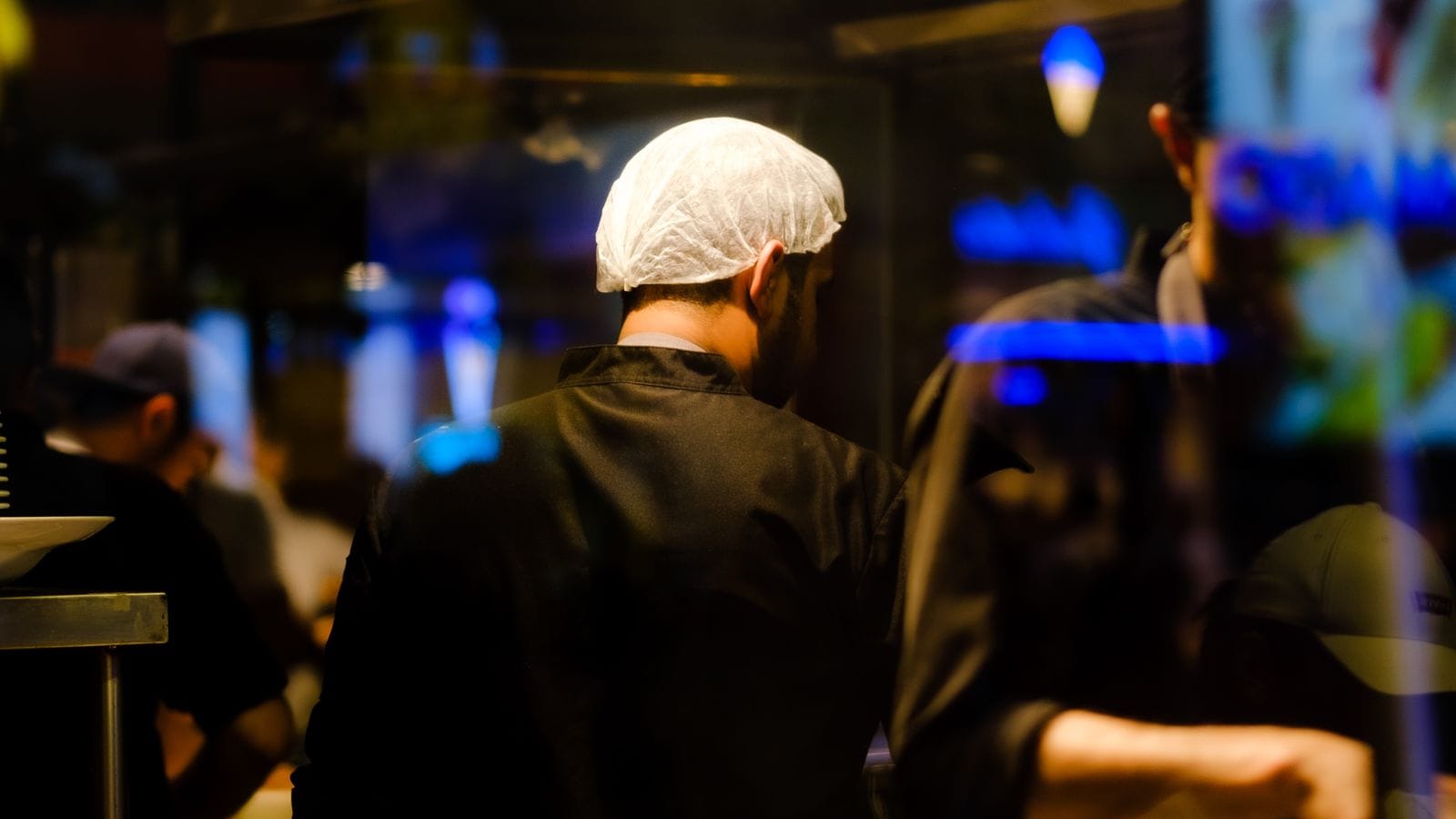
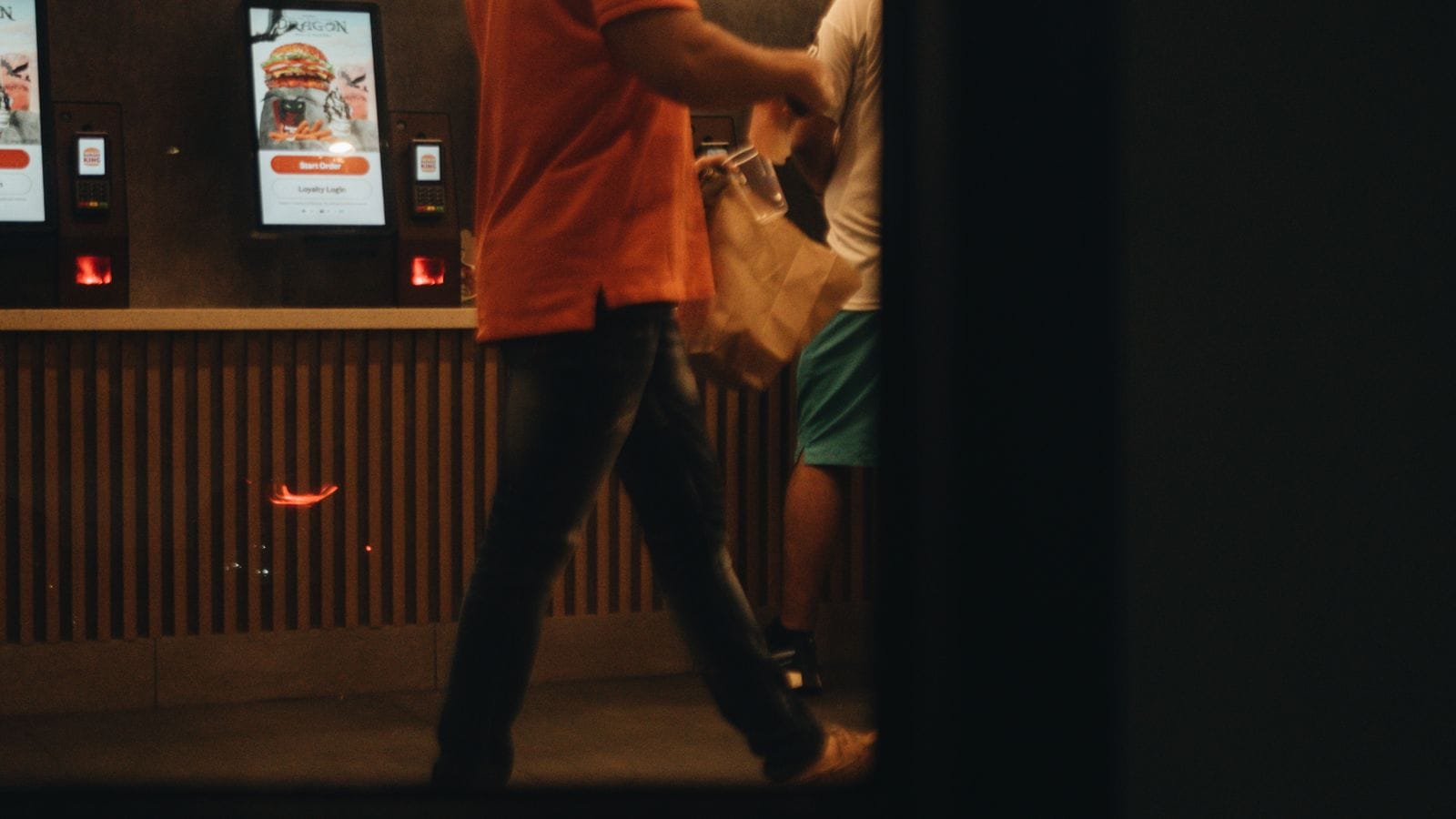
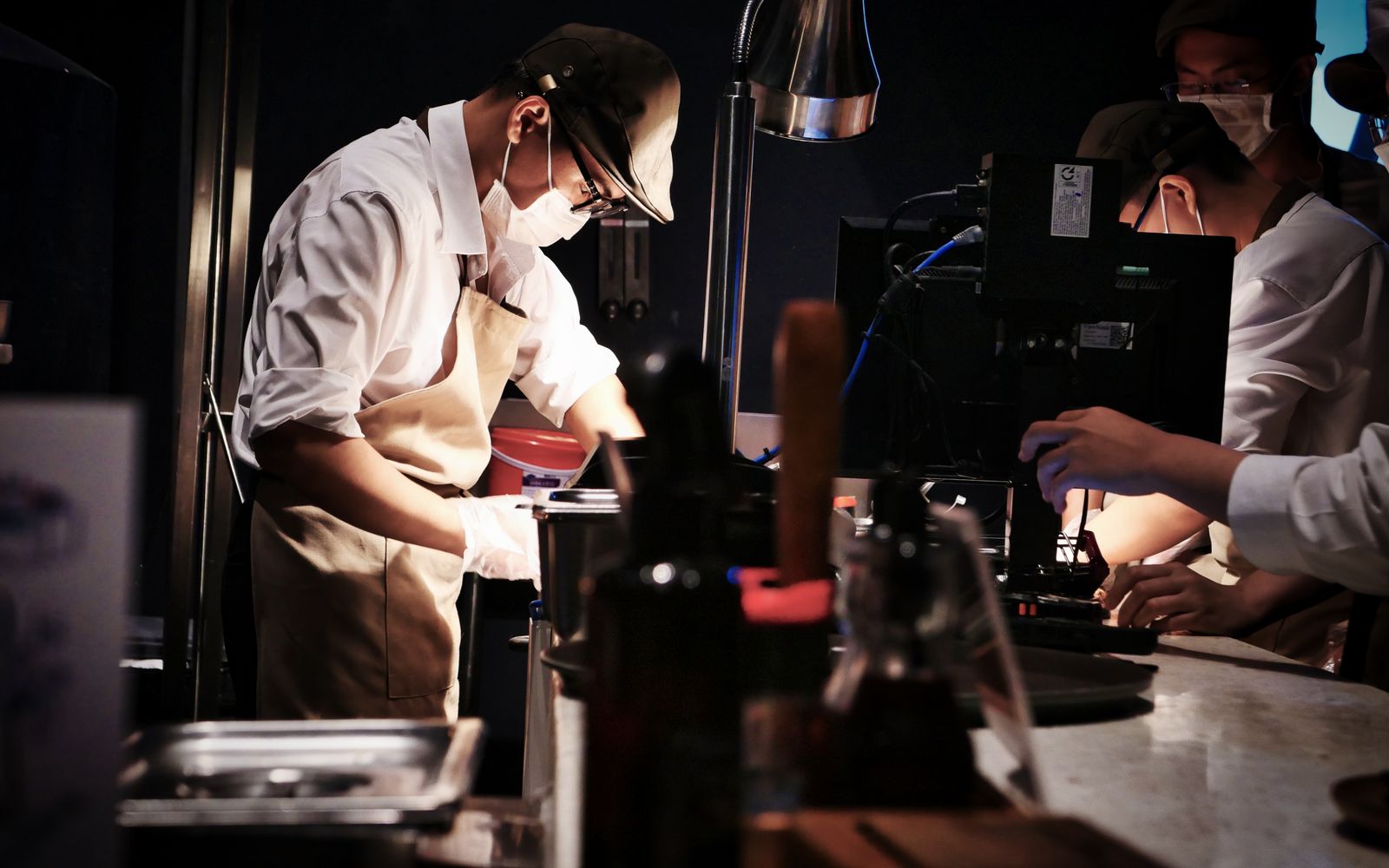
Built for the way restaurants actually work.
Station-aware routing
Each component of an order lands on the right screen at the right time.
Live timers
Watch how long every ticket has been waiting, so no check slips.
86 items instantly
Mark something out of stock and it disappears across EPOS, kiosk and online.
Paperless kitchen
No more printer jams, ink swaps or curling tickets in the heat.
A kitchen display system built for takeaway kitchens
A kitchen display system, or KDS, replaces printed kitchen tickets with screens. Every order from the till, the kiosk, your own ordering site and the marketplaces appears on the kitchen screen the moment it is sent, in the order it came in.
ChefSynk’s kitchen display is built for takeaways and restaurants where one kitchen serves several channels at once. Curry houses juggling rice, breads and sides, chicken shops running the fryer flat out and Chinese takeaways working the wok all get the same thing: a clear queue, the right items at the right station, and no ticket lost behind the extractor fan. It also takes the paper out of the kitchen: no printer jams, ink swaps or curling tickets in the heat.
Station routing on a busy night
At peak, the problem is rarely the cooking. It is knowing what to cook next. The kitchen display splits each order by station, so the grill sees the grill items, the fryer sees the chips and the cold section sees the salads and dips. Each component lands on the right screen at the right time.
All-day counts show how many of each item are waiting across every open ticket, so the fryer can drop a full basket instead of four half ones. Modifiers are highlighted, so no onions or extra chilli stands out rather than hiding in the ticket text. When a station finishes its part, it bumps the item and the pass can see what is still to come.
Timers, bump, recall and 86
Every ticket carries a colour-coded timer that shows how long it has been waiting. As a ticket ages, its colour changes, so a late order is visible from across the kitchen without anyone reading times.
Bump clears a finished ticket in one tap, and recall brings it back if it was bumped by mistake. When you run out of something, 86 it on the kitchen display and it comes off the till, the kiosk and your ordering site, and off Deliveroo, Just Eat and Uber Eats too. That stops the next customer paying for a dish you can’t make, and stops the cancellation call that follows. All-day counts update as items are bumped, so the line always knows what is left.
Every order channel on one kitchen screen
Marketplace orders from Deliveroo, Just Eat and Uber Eats land on the same kitchen display as counter, phone, kiosk and website orders. There is no separate tablet for each app and no re-keying orders into the till.
Once the stations are done, the dispatch display brings every part of the order back together into one ticket, with a bag check-list and allergen prompts, and labels each bag with its channel. The kitchen display also tells the front of house when a dish is ready, so collection customers and drivers are called at the right moment. Recipe-based inventory runs alongside, taking ingredients off stock as tickets come in. The kitchen works from one queue, whichever channel the order came from.
Which plan includes the kitchen display
The kitchen display is included in Growth at £55 a month ex VAT and in Complete at £99. Growth also adds the dispatch display, the owner mobile app and Deliveroo, Just Eat and Uber Eats integrations on top of everything in Starter, including the EPOS with unlimited terminals and 24/7 phone and WhatsApp support.
We supply and set up kitchen screens on a quote, or you can use compatible screens you already own. Our Manchester team handles set-up, remotely or on site by arrangement. Your first month is free, there is no setup fee and every plan is monthly rolling.
Frequently asked questions
How much does the kitchen display cost?
It is included in Growth at £55 a month ex VAT and in Complete at £99. There is no separate KDS fee and no setup fee.
What screens do I need?
We supply and set up kitchen screens on a quote, or you can use compatible hardware you already own. We’ll check it with you before set-up.
Do Deliveroo, Just Eat and Uber Eats orders show on the KDS?
Yes. On Growth and Complete, marketplace orders appear on the kitchen display beside your own orders.
Can I split orders between stations?
Yes. Station routing sends each item to the right screen, such as grill, cold, fryer or the pass.
Is there a contract?
No. Every plan is monthly rolling with no lock-in. Your first month is free.
Talk to our Manchester team
Better with the rest of ChefSynk.
Explore the products that sit alongside Kitchen Display on the ChefSynk platform.