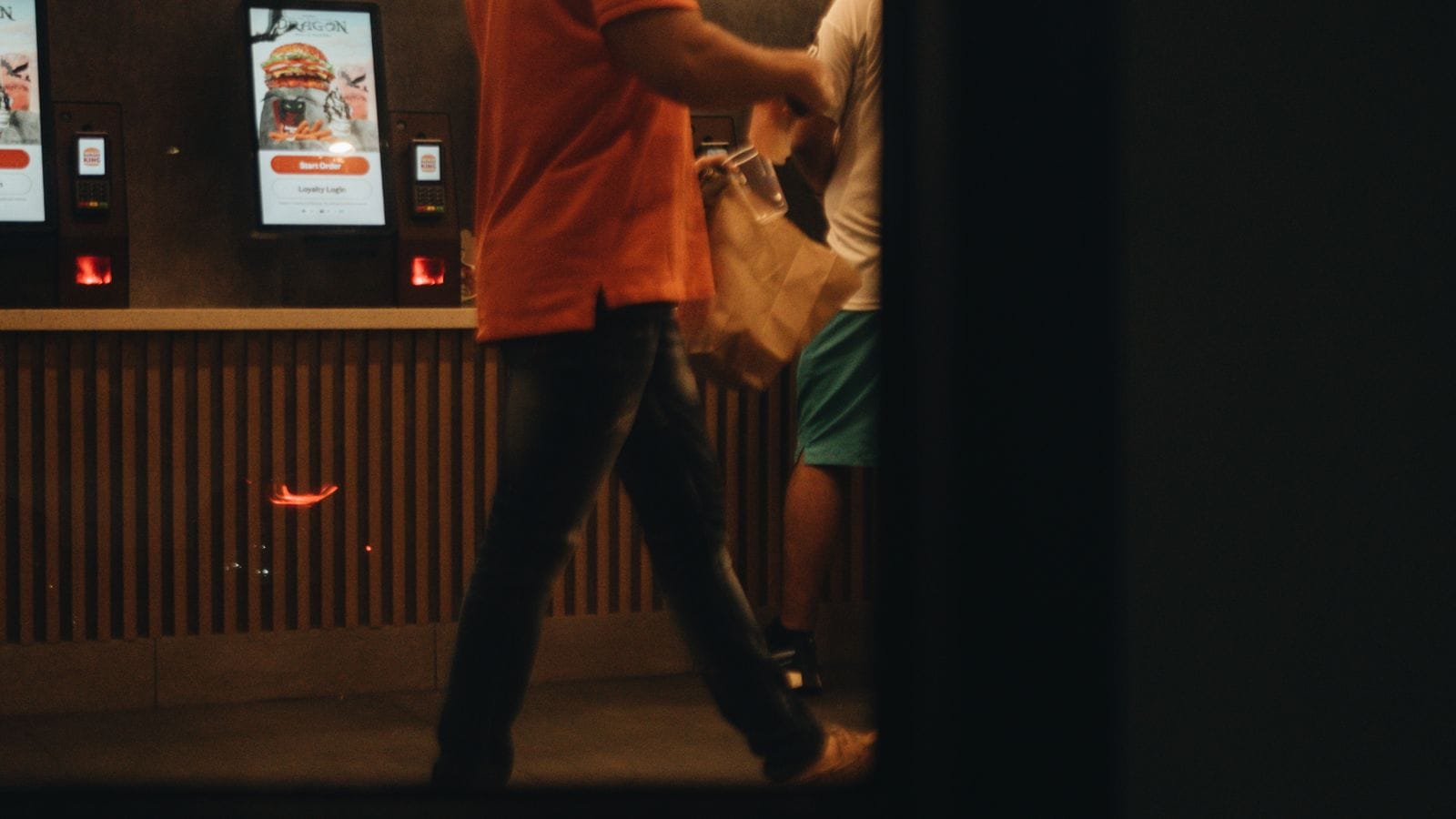
Self-Order Kiosk. Let the queue serve itself.
A simple self-service kiosk that lets walk-in customers browse, customise and pay without queuing at the counter. Built for quick service, casual dining and busy lunch rushes.
- Big-button menu with photos, allergens and modifiers
- Multi-language support out of the box
- Card, contactless, Apple Pay and Google Pay
- Upsell prompts that suggest sides, drinks and upgrades
- Receipt to printer, email or SMS


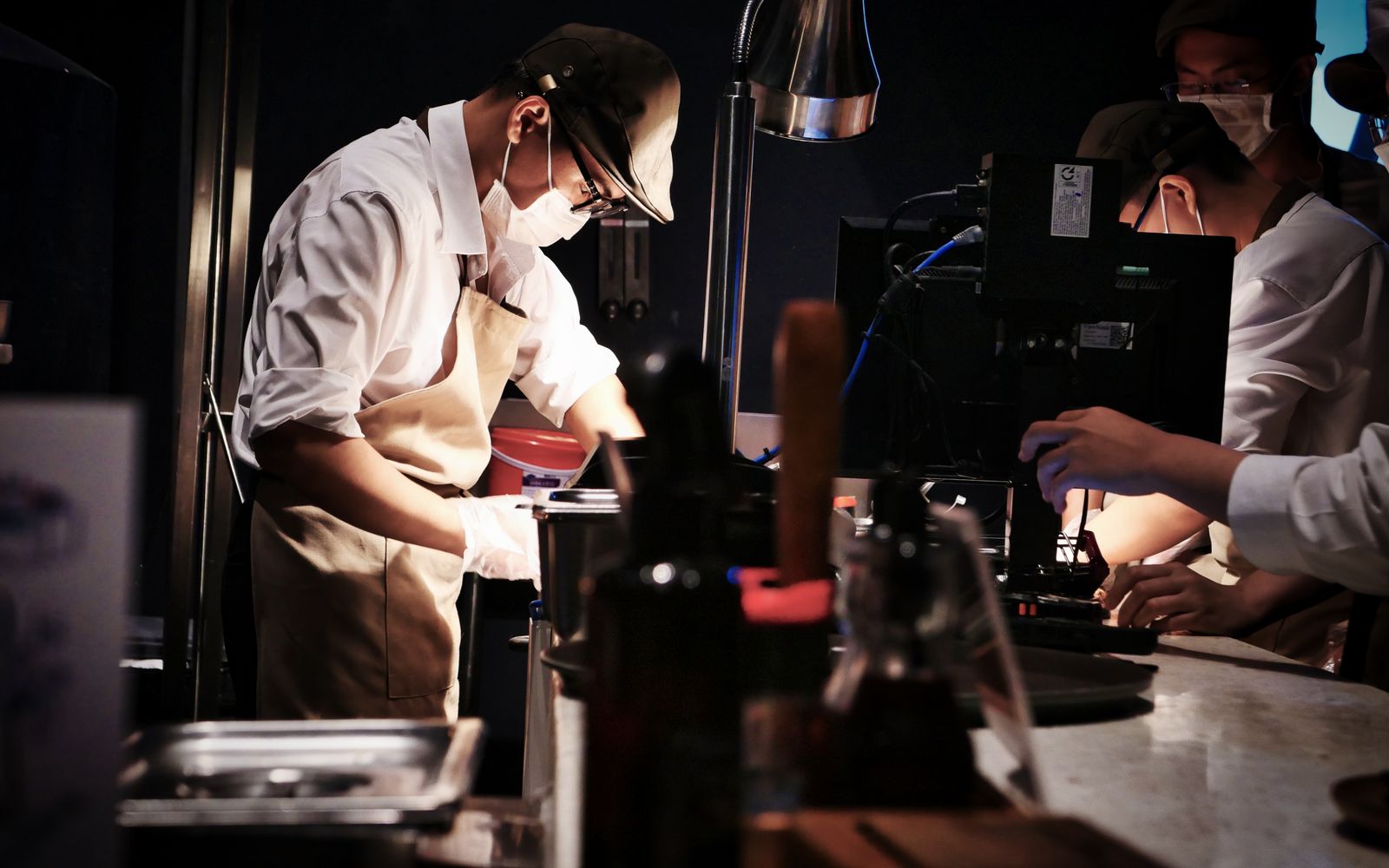
Built for the way restaurants actually work.
Faster queues
Customers serve themselves while your team focuses on prep and hospitality.
Bigger baskets
Upsell and cross-sell prompts suggest a side, a drink or an upgrade while the customer is still choosing.
No double entry
Pulls menus and prices straight from the EPOS, so nothing is typed twice and nothing drifts.
Accessibility-ready
Large touch targets, a high-contrast theme and screen-reader hints.
A self-service kiosk for walk-in customers
A self-order kiosk takes walk-in orders while your team stays on the food. Customers browse a big-button menu with photos, choose their extras and pay at the screen, and the order goes straight to the kitchen exactly as they built it.
It suits any shop where the counter becomes the bottleneck: burger and chicken shops at lunchtime, cafés with a morning rush, fast-casual restaurants and takeaways with a steady flow of walk-ins. Staff who would have been taking orders can pack bags, answer the phone or keep the fryer moving. Customers who like to take their time get to, without holding up the person behind them. Kiosks work alongside the counter, not instead of it.
How the kiosk handles a lunch rush
When the queue builds, the kiosk adds another order point without adding another person. Several customers can order at once on separate kiosks, each at their own pace, while the till keeps serving people who would rather speak to someone.
Upsell prompts suggest a side, a drink or an upgrade at the moment the customer is choosing, which is when the question lands best. Meal deals set up once also appear on the kiosk and online. Multi-language support lets customers switch language before they start, so nobody hesitates at the front of the line. When the rush is over, kiosk sales appear in the same reports as the till.
Payments, receipts and allergens
The kiosk takes card, contactless, Apple Pay and Google Pay, so the order is paid before it reaches the kitchen. Receipts go to the printer, by email or by SMS, whichever the customer picks.
Each dish shows its photo, allergens and modifiers beside it, so customers can check before they order rather than asking at the counter. Large touch targets, a high-contrast theme and screen-reader hints make the screen easier to use for more of your customers. On Growth and Complete, the dispatch display adds allergen prompts to the bag check-list before an order is handed over. Because each order is paid at the kiosk, the counter never has to chase a customer for payment once the food is ready.
Connected to the till, the kitchen and your stock
The kiosk pulls its menu and prices straight from the EPOS. Change a price or add a special on the till and it appears on the kiosk too, with no second menu to keep in step.
Kiosk orders join the same queue as counter, phone and online orders. On Growth and Complete they appear on the kitchen display at the right station, with modifiers highlighted. Recipe-based inventory takes ingredients off stock as kiosk orders come in, and when something runs out it comes off the kiosk, the till and your ordering site together, so nobody pays for a dish you can’t make. Kiosk sales feed the same analytics as the till, so you can compare channels side by side.
Kiosk pricing and hardware
The self-order kiosk is an add-on at £25 per device per month ex VAT, on top of any ChefSynk plan. Plans start at £35 a month on Starter, Growth is £55 and Complete is £99. There is no platform fee on kiosk orders: the 50p + VAT customer fee applies only to orders on your own website and app.
We supply and set up kiosk hardware on a quote, or you can run the kiosk on compatible hardware you already own. Our Manchester team handles set-up, remotely or on site by arrangement. Your first month is free, there is no setup fee and plans are monthly rolling.
Frequently asked questions
How much does a self-order kiosk cost?
£25 per device per month ex VAT, added to any plan from £35 a month. Kiosk hardware is supplied and set up on a quote.
Do customers pay a fee on kiosk orders?
No. There is no platform fee on kiosk orders. The 50p + VAT fee applies only to orders on your own website and app.
Can I use my own hardware?
Yes, if it is compatible. Tell us what you have and we’ll check it before set-up, or we can supply a kiosk on a quote.
Does the kiosk show allergens?
Yes. Each dish shows its photo, allergens and modifiers, and customers can switch language before they order.
Do kiosk orders reach the kitchen display?
Yes, on Growth and Complete. Kiosk orders land at the right station alongside counter, phone and online orders.
Is there a contract?
No. Plans are monthly rolling with no lock-in, so you can cancel any month.
Talk to our Manchester team
Better with the rest of ChefSynk.
Explore the products that sit alongside Self-Order Kiosk on the ChefSynk platform.